In-cluster deployment
Deploy interLink in the local K8S cluster.
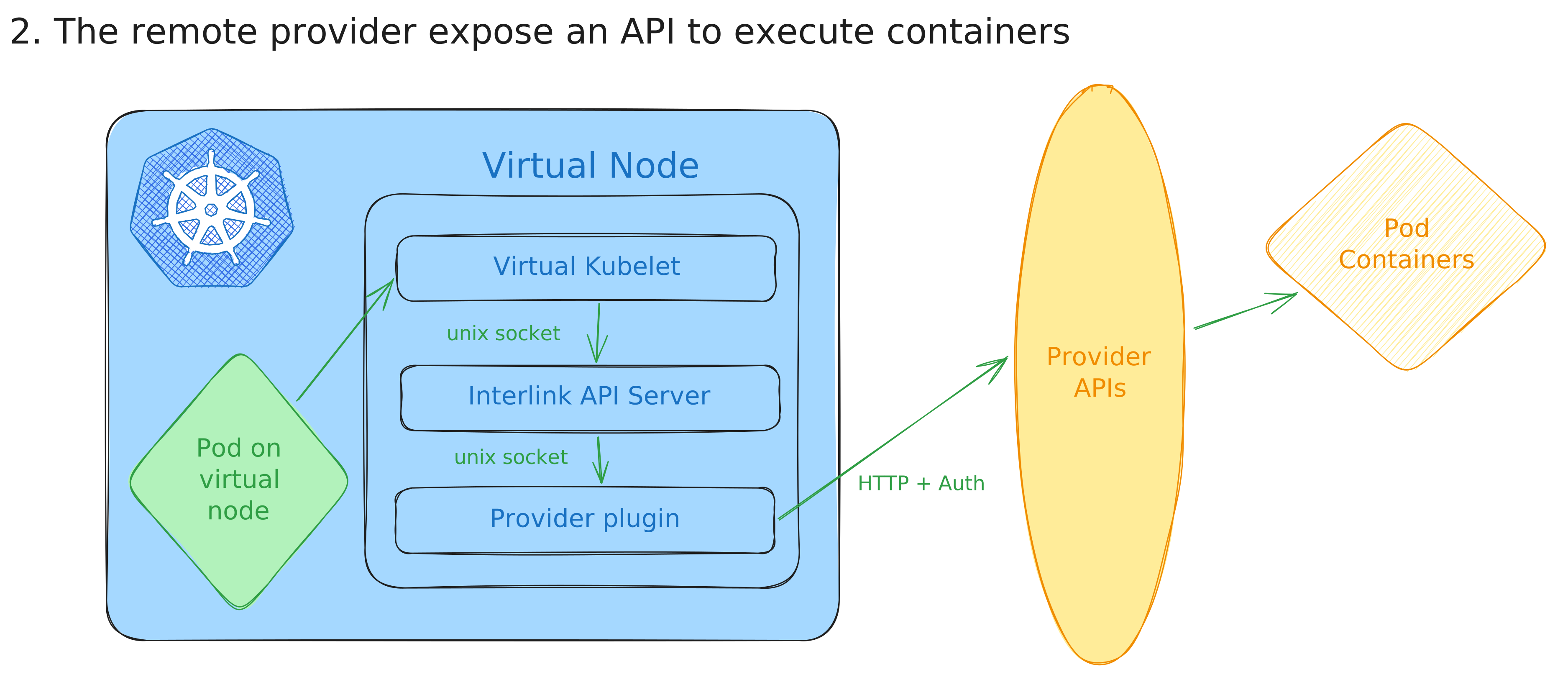
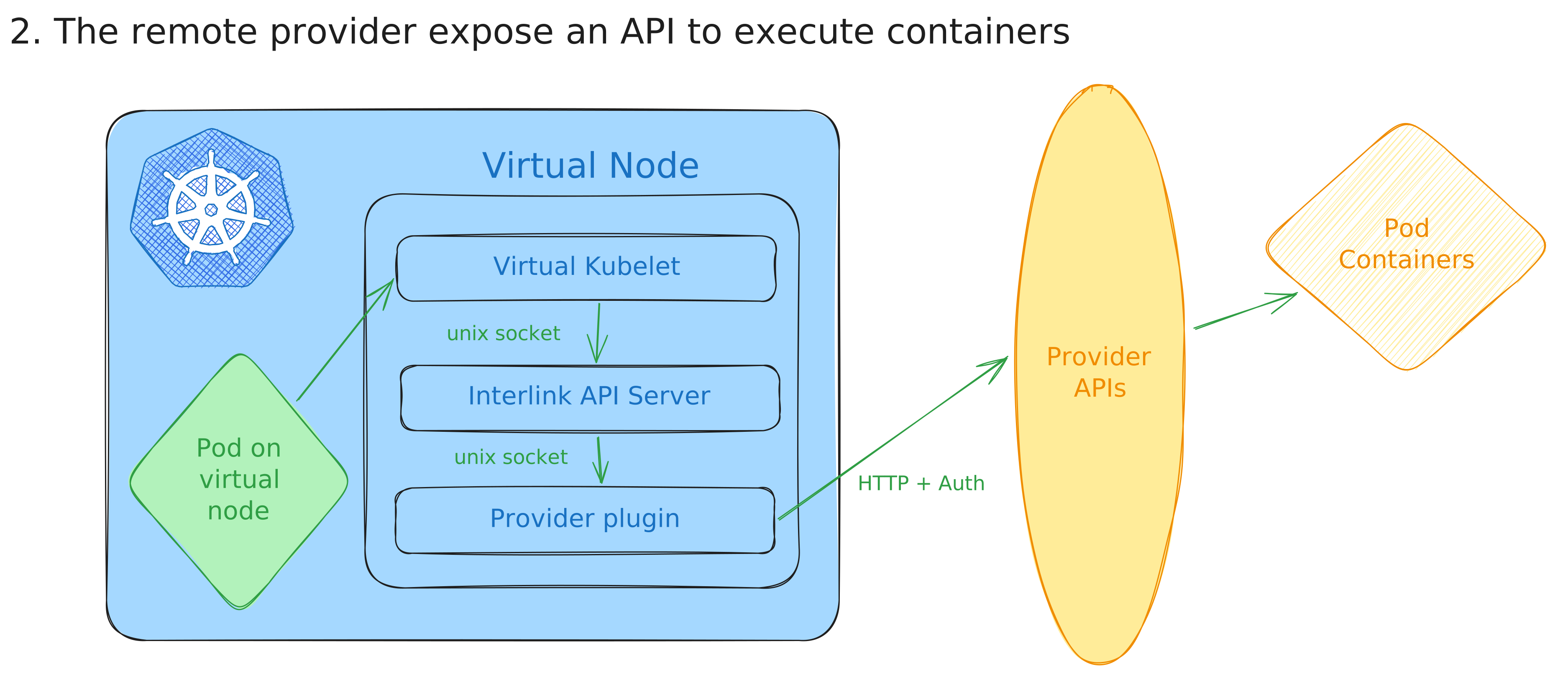
Install interLink
Deploy Kubernetes components
The deployment of the Kubernetes components are managed by the official HELM chart. Depending on the scenario you selected, there might be additional operations to be done.
- Create an helm values file:
values.yaml
nodeName: interlink-with-socket

plugin:
  enabled: true
  image: "plugin docker image here"
  command: ["/bin/bash", "-c"]
  args: ["/app/plugin"]
  config: |
    your plugin
    configuration
    goes here!!!
  socket: unix:///var/run/plugin.sock

interlink:
  enabled: true
  socket: unix:///var/run/interlink.sock
Eventually deploy the latest release of the official:
  export INTERLINK_CHART_VERSION="X.X.X"
  helm upgrade --install \
  --create-namespace \
  -n interlink \
  my-node \
  oci://ghcr.io/interlink-hq/interlink-helm-chart/interlink \
  --version $INTERLINK_CHART_VERSION \
  --values ./interlink/manifests/values.yaml
warning
Remember to pick the
version of the chart
and put it into the INTERLINK_CHART_VERSION env var above.
Whenever you see the node ready, you are good to go!
note
You can find a demo pod to test your setup here.
To start debugging in case of problems we suggest starting from the pod containers logs!